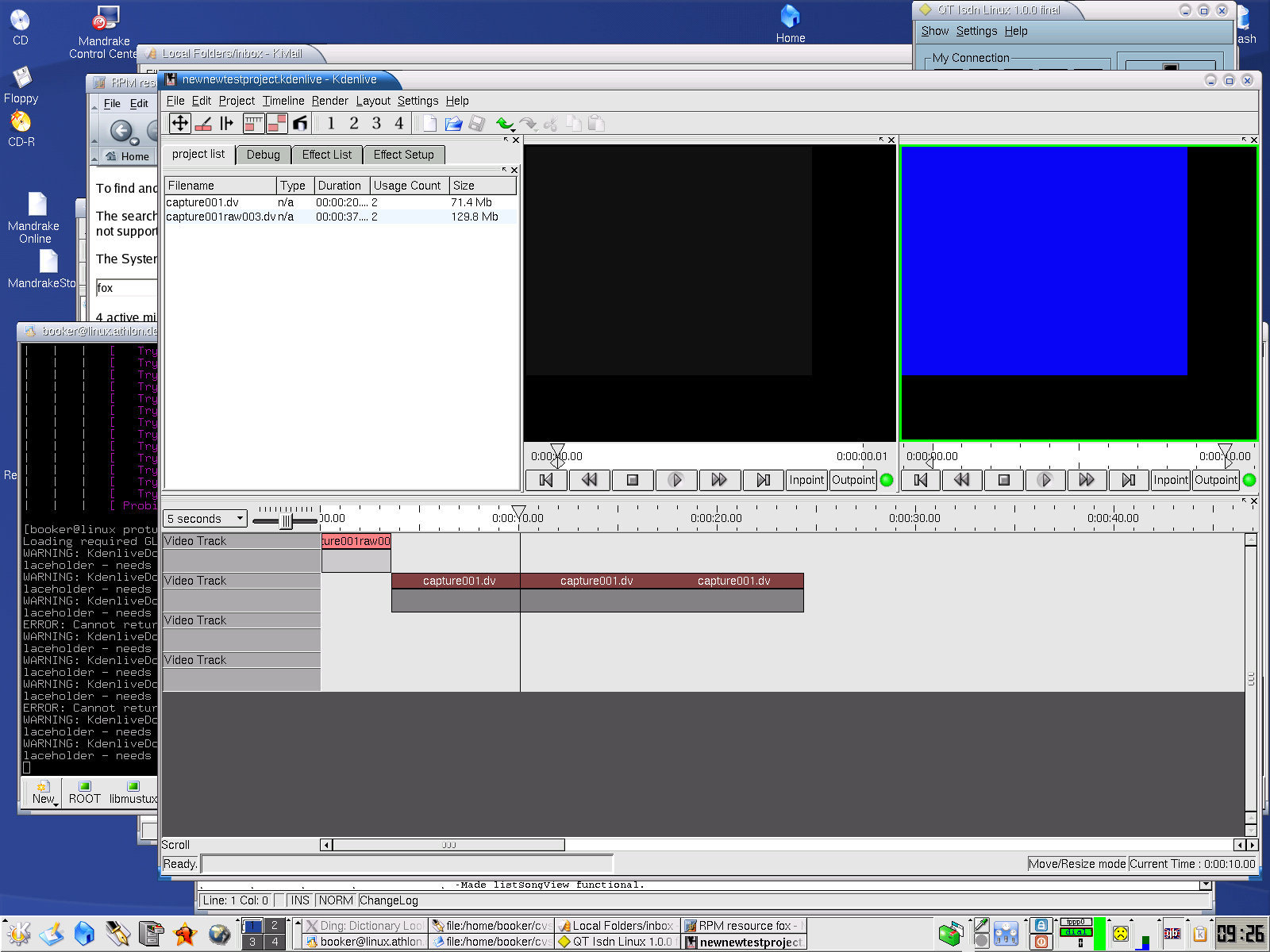
Am Donnerstag, 16. Oktober 2003 23:07 schrieb Jason Wood:
> On Thursday 16 Oct 2003 10:48 am, Reinhard Amersberger wrote:
> > kdenlive-devel at lists.sourceforge.net schrieb am 15.10.03 12:26:59:
> > > > for example: I have resized a clip on the timeline (I just moved the
> > > > right > edge to the left), but the save option/button remains
> > > > deactivated.
> >
> > Maybe I found another problem caused by the problem above?
> >
> > I load a project containing two clips (whereby the second one was
> > shortened by dragging the right edge to the left).
> >
> > Then I extend the second clip by dragging the left edge to the right, but
> > play back stopps further on at the original loaded position.
> >
> > I've put two screenshots up to clearify the situation. The first one
> > shows the situation after loading the project and the second after
> > extending the second clip: 1:
> > http://www.groovision.de/kdenlive/kl_endbug_before.png 2:
> > http://www.groovision.de/kdenlive/kl_endbug.png
>
> Hmmm, I cannot reproduce this behaviour at the moment, although it sounds
> like a bug that I thought I had fixed a while ago. If you move another clip
> onto the timeline, it should sort itself out, although that is a
> work-around, not a solution ;-)
Ooops ... it seems I forgot to answer to this mail, but you are right ... this
temporary work-around was helpful :-)


> > btw - another point, but I'm not sure if this is a bug, a feature request
> > or just not implemented right now ;-)
> >
> > - Inpoints and outpoints are not saved.
>
> What do you mean by inpoints and outpoints - on the workspace monitor, or
> when you select clips in the project list? If so, then that is a feature
> request


I mean both ;-))

btw - if I remember correctly .... some days ago, when selecting a clip on the
timeline, it was shown in the clip monitor, right? But this behaviour is gone
...

greetings
Reinhard